







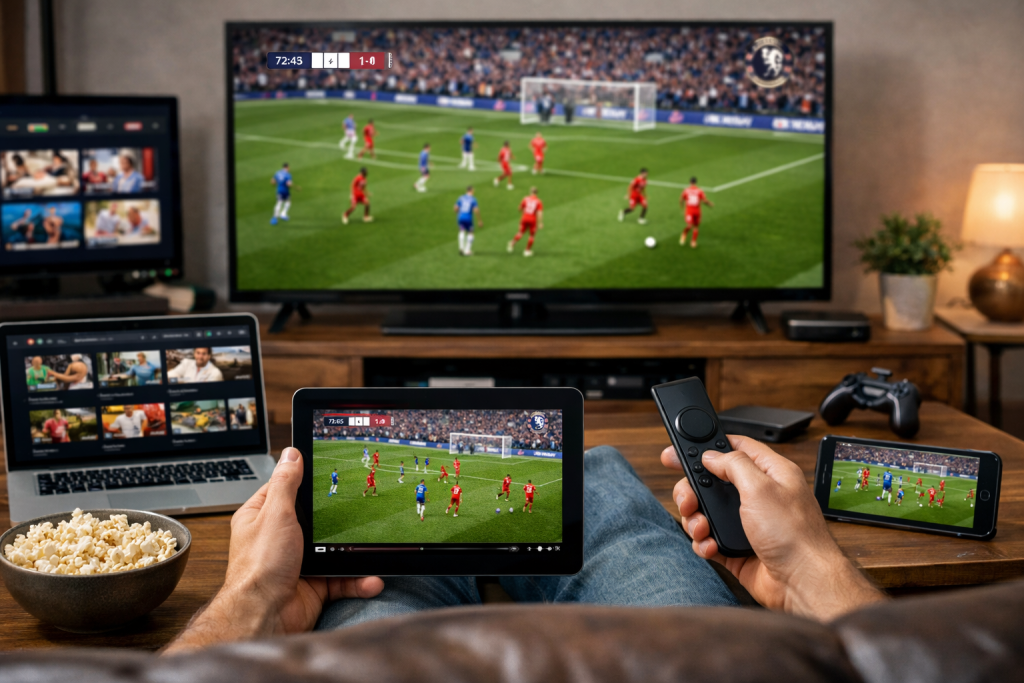

Your Firestick still streams live sports smoothly across current models and Smart TVs, even with talk about changes to its operating system. Out of the box, the stick comes with no built-in cable channels at all. Instead, you reach live matches and events through three main routes: free official apps, paid streaming plans, or standalone player apps paired with outside playlists. Which route fits you best depends on your monthly budget and the games you follow each week. The table below maps out each major sport group and the typical Firestick apps or services that carry it.
How Firestick Streams Live Sports Today
| Sport Category | Typical Firestick Access Path |
|---|---|
| Live football, including UK domestic fixtures, European club competitions, and international tournaments | Official broadcasters, free public apps, or IPTV services |
| Boxing and combat sports, including PPV boxing nights, mixed martial arts cards, and replays | Combat platforms, pay-per-view apps, or IPTV services |
| US pro and college leagues | League passes, live TV bundles, or free ad-supported apps |
| Motorsports, golf, and tennis | Official network apps, tournament streams, or broadcaster channels |
| Highlights, sports talk, and action sports | Free ad-supported apps and Fire TV Channels |
How Free and Paid Firestick Sports Options Compare
What Free Official Apps Actually Cover
Free Store apps and public broadcasters like Pluto TV, Tubi, Red Bull TV, Fire TV Channels, BBC iPlayer, and ITVX are safe to install and cost nothing. They give you non-stop sports talk, match highlights, archived games, action sports, and occasional live domestic broadcasts on free television. They work well for catching daily news, classic replays, and select cup games without signing up for anything. Just set honest expectations before kickoff. Free official apps do not carry full weekly top-tier football schedules or big PPV fight nights. You can catch a rare headline event with a short official trial or a digital antenna, though neither option covers a full season.
The Cost of Paid Plans and the Shift to IPTV
Paid platforms such as ESPN, DAZN, Peacock, Paramount+, YouTube TV, and Fubo give you steady HD streams and built-in recording tools. The catch is split broadcasting rights. Different networks buy different leagues and combat cards, so no single service holds every match you want to watch. Stacking three or four separate plans quickly pushes your monthly bill right back to traditional cable prices. That growing cost is why cord-cutters and UK households switching from cable contracts look toward unified 4K streaming over Internet Protocol television technology on Smart TVs and Firestick devices. It brings wider live sports lineups and on-demand playback together in one place without rigid yearly contracts.
Switching from Unofficial Apps to Reliable IPTV
People tired of paying for several apps often try free unofficial app files, only to run into the same problems every weekend.
- Free unverified app files fail often because host websites vanish overnight, leaving dead match links just minutes before kickoff.
- Overloaded free servers buffer endlessly during peak games, while unverified clone files expose your Firestick to unwanted adware and copyright risks.
- Experienced Firestick users skip the hunt for rotating free links and vet low-cost paid services using short 24-hour or monthly trials before committing.
Using Standalone Players and Testing Servers
To keep things reliable, Firestick and Smart TV owners install clean standalone player apps like TiviMate or IPTV Smarters and connect an outside playlist. That simple step lets you skip overpriced pre-loaded sticks and oversold sellers. Comparing unstable resellers against trusted UK IPTV services for live sports helps you spot providers that hold steady when weekend crowds pile in. Testing an IPTV UK provider during busy Saturday kickoffs shows whether a UK IPTV subscription handles real peak traffic without freezing or dropping quality. Checking server quality early means streaming live UK football, PPV boxing nights, and 4K on-demand cinema in Britain stays sharp and responsive on Firestick devices and Smart TVs.
Stopping ISP Slowdowns and Match Blackouts
Even fast home broadband can stutter during a big kickoff when your internet provider spots heavy video traffic and slows your connection down. Regional blackouts and travel geo-blocks can also lock you out of live games whenever you leave home. Turning on a VPN scrambles your video data so your provider cannot throttle your speed, and it keeps your subscriptions working while you travel. Setups with built-in VPN streaming prevent UK broadband ISP throttling on Firestick, Android TV, and IPTV Smarters without complicated router changes. Still, a VPN only stops network blocks, so smooth 4K playback still depends on solid home Wi-Fi or Ethernet and uncrowded streaming servers.